- Log in using your regular uni and network password here: https://business.columbia.edu/user/login.
- Click on the User Profile tab in the top black toolbar and then click View Profile.
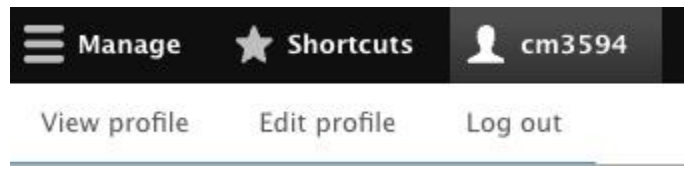
- Once you click through, look for your User Profile link and click it. This will take you to your user profile.
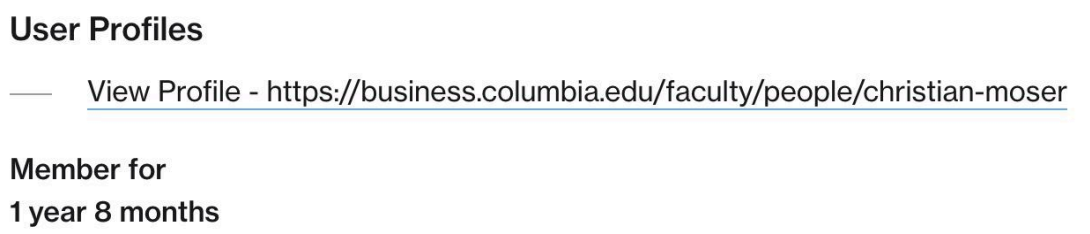
- Once you’re on your profile, look next to your name to see the Edit Tab. Click Edit.
- Now you’ll be able to edit the following information on your profile:
- General Tab
- Gender (Optional)
- Pronouns (Optional)
- Biography
- Personal Website
- Joined CBS Date. This will default to the start date of your most recent position. You can adjust this to your earliest start date.
- Faculty Information Tab
- CV: You can upload a PDF.
- General Office Hours: (Optional).
- Areas of Expertise: (Optional); check off whichever ones are applicable.
- Featured Research: Add any Citations to your profile that are already uploaded to the CBS system. To add, start typing the name of the paper, journal article, or other work. Click on the correct item once it is displayed in the field so that the system receives it.
- Note: You can add multiple Citations by clicking the Add Another Item button and repeating as many times as needed.
- General Tab
How to Edit your Faculty Profile
The following guide below helps demonstrate how to login and add content within the CBS content management system. If you have any further questions, please reach out to the Web Services team.
GSB Related Blogs
Related
Accessing Webform Results
Date
Audience
Content Creators, Site Editors, StaffTopic(s)
Events Marketing, WebsiteColumbia Business School’s webforms collect valuable data from event registrations, inquiries, and other submissions. This guide walks you through how to access, review, and export webform results efficiently.
You'll learn how to:
LoginFind a FormAccess ResultsView Results OnlineDownload ResultsWebsite Announcement: Attention All CBS Faculty and Staff
Date
Audience
Faculty, Photographer, Site Editors, StaffTopic(s)
WebsiteHow to Promote Faculty Research
Date
Audience
Content Creators, Faculty, Site Editors, StaffTopic(s)
Public Relations, WebsiteColumbia Business School faculty members have several ways to promote their research and share their expertise with broader audiences. The CBS MarComms department is here to support you through these options: